

A screen walkthrough of the various features of Creator5.
Want to bookmark more products?
Don't want to put too many products in Showcase?
Now you can put them in KEEP!

It's easy to do a KEEP. Just click the KEEP button for the product you want in Creator5 HOME.
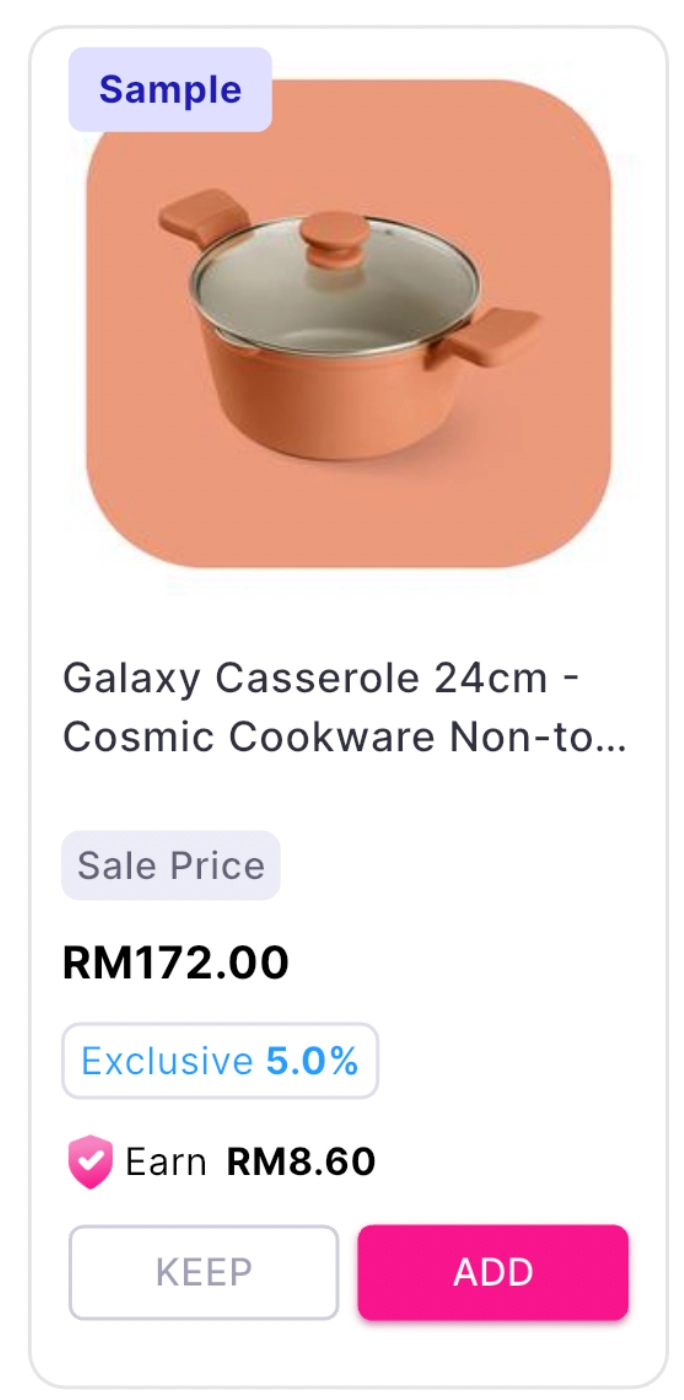
•
Click the 'KEEP' text at the bottom of the item to archive it.
•
You can see a list of all your archived items by selecting the 'KEEP' tab at the bottom.

•
If you want to delete a registered 'KEEP' product, select the 'DELETE' button at the bottom of the product to reset it.

•
Whenever you want to move an item from your KEEP to your TikTok Showcase, you can click the 'ADD' button and it will be sent to your Showcase.
Now you can keep the products you want and use them in your Showcase whenever you want!
