

A screen walkthrough of the various features of Creator5.
How is Creator5 organized?
Let's take a look at the service's features through each menu.
Main, the face of Creator5, has the following main features.
Service Guide

•
This is the area where Creator5's main news is delivered.
•
The banner area provides news and promotional information about the service.
•
The top right icon 'Bell' is for push messages.
•
The top right icon 'Memo' is for announcements.
Recently sold items
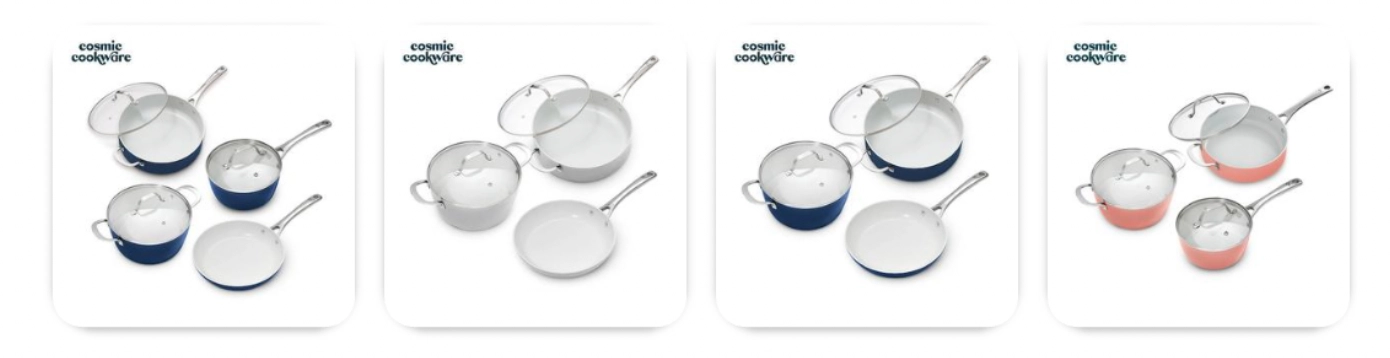
•
These are the products that have sold the most based on recent sales.
•
You can click on a product to see more detailed product information.
Product registration date
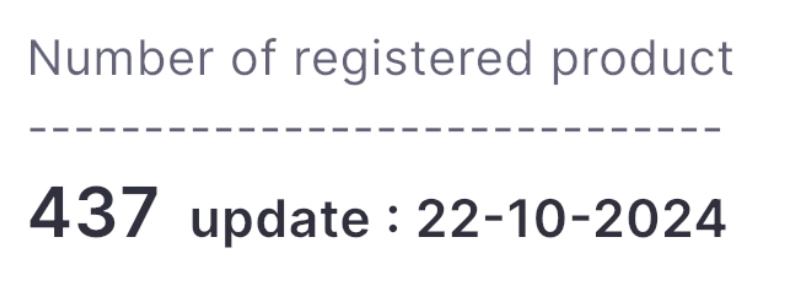
•
Displays the date of the last update and the number of products listed.
•
Listed products are products of sellers affiliated with Creator5 and are selected to improve the effectiveness of Creator sales commissions.
Product visibility filters
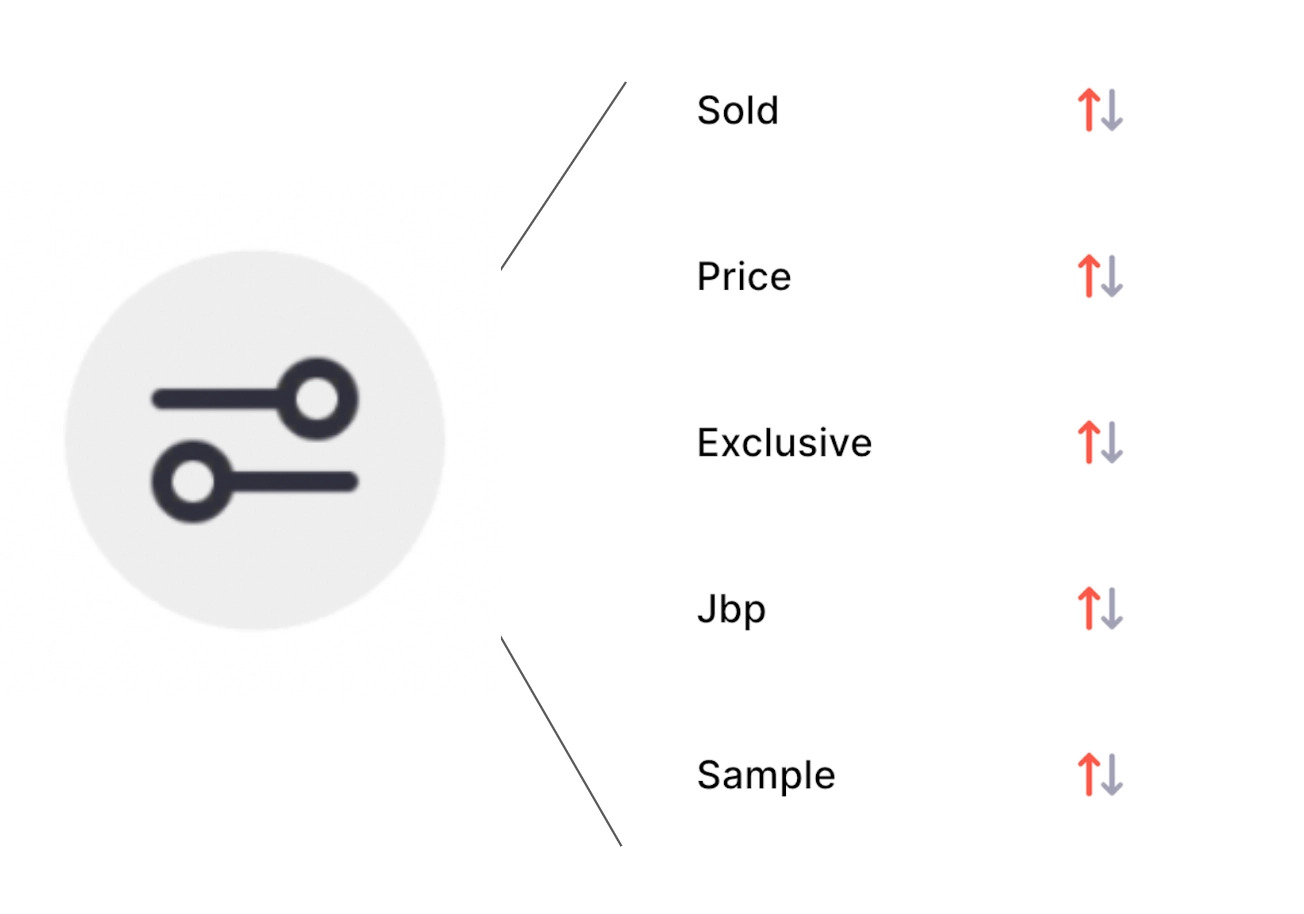
•
Product visibility filters provide sorting information about a product's sales, price, commission, promotions, and samples.
•
The filter can be selected in ascending or descending order.
Product Layout
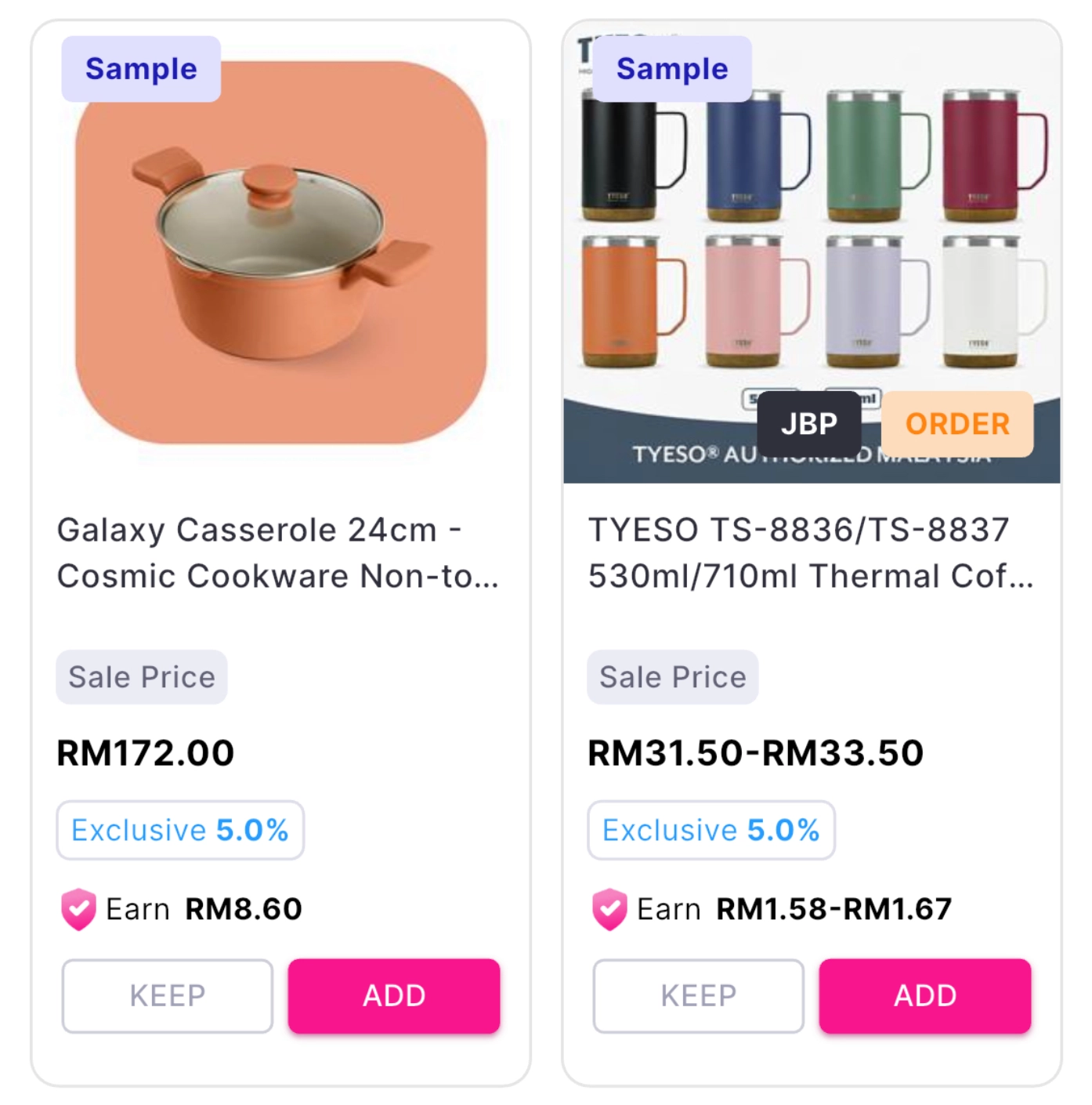
•
An impression of a product provides the following information: photo, title, sale price, commission percentage (%) based on the sale, and estimated commission amount (RM).
•
If the product is eligible for a JBP promotion, it will be flagged according to the type of promotion.
•
For products that offer samples, we will display the Sample Flag, and if you are interested in receiving a sample, you can apply for it through the Sample Request from the JBP menu.
•
KEEP flags products that you are interested in, and you can bookmark them in the KEEP menu.
•
ADD is a button menu to save the product to TikTok's SHOWCASE, and if you click the button, it will be automatically saved to the SHOWCASE of the TikTok shop owner. This requires an approval step from the Creator after the ADD.
Footer
•
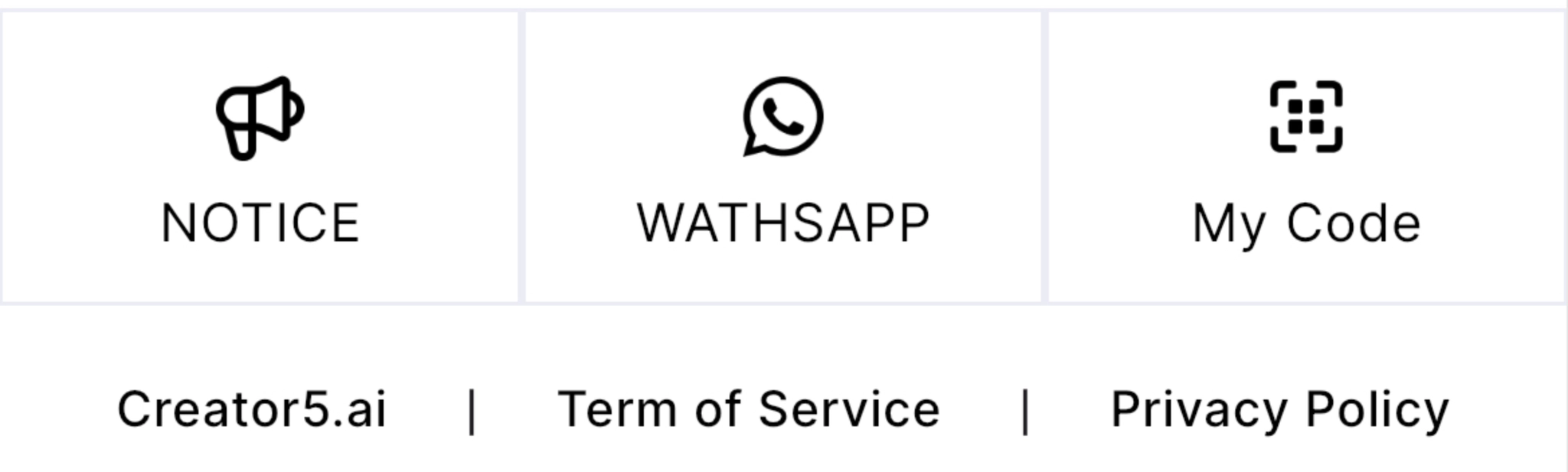
This information is located at the very bottom of the Main screen.
•
NOTICE provides a variety of up-to-date information.
•
WhatsApp is a communication channel with Creator5 operations staff.
•
My Code is an invitation feature to introduce Creator5 to your friends and acquaintances.
•
Other services homepage, terms and conditions, and privacy notice.
